
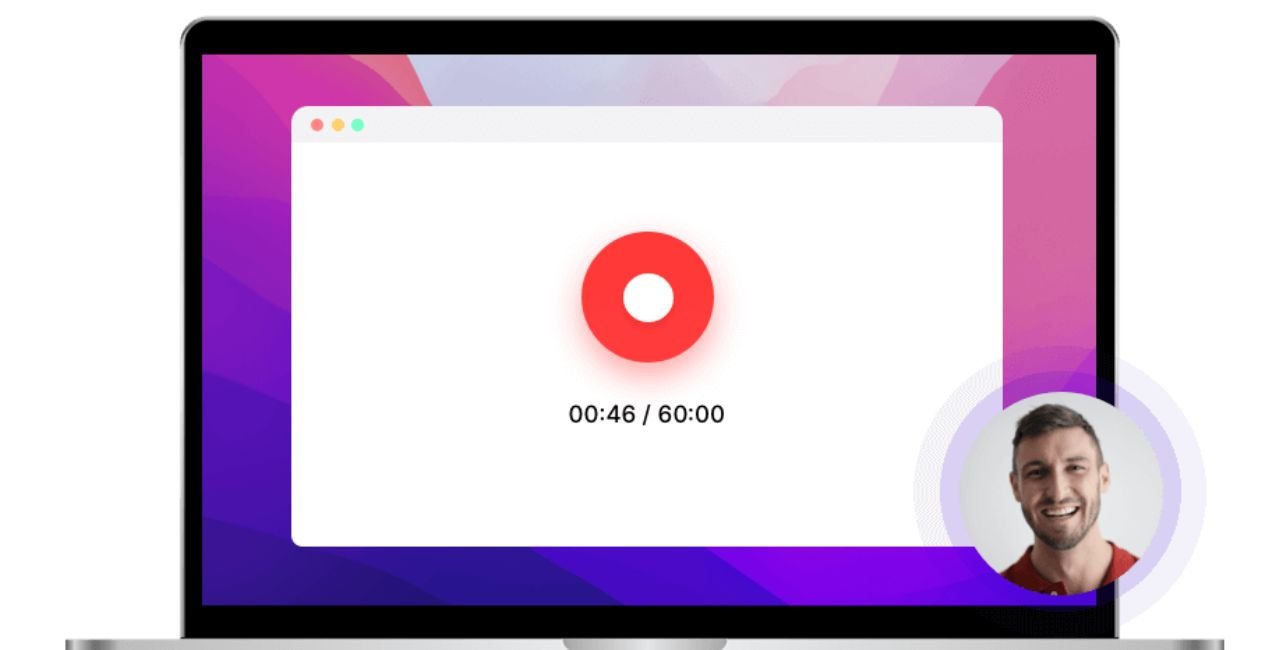
An online Screen Recorder is a tool that allows you to capture everything happening on your computer or device screen directly from your web browser. Unlike traditional software, you don’t need to download or install anything. With just a few clicks, you can record your screen, include audio from your microphone or system, and save the video for later use. This makes online screen recorders popular for creating tutorials, recording meetings, or sharing presentations quickly and efficiently.
How Online Screen Recorders Work
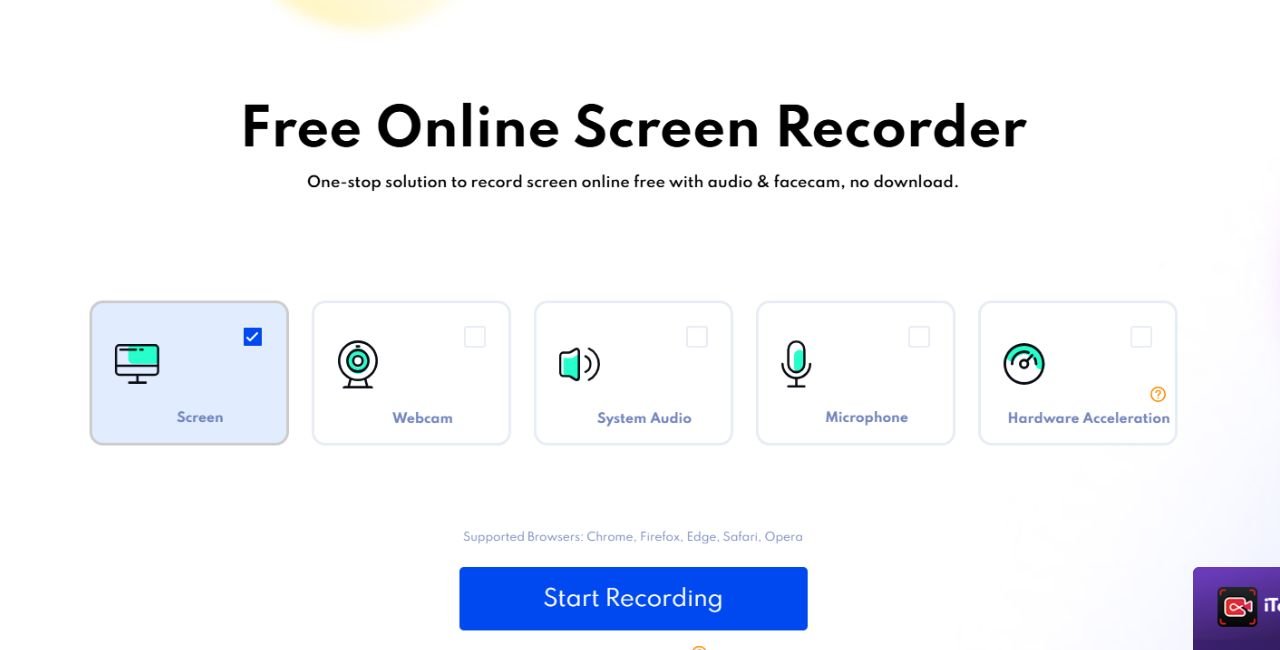
Online screen recorders run entirely in your web browser. Once you visit the website or web app, you permit it to access your screen and microphone. Then, you can choose whether to record your entire screen, a specific application window, or just a browser tab. After recording, the tool processes the video in your browser or on the platform’s cloud servers. You can usually download the video in common formats like MP4 or WebM, or sometimes share it through a direct link. Many tools also offer basic editing features like trimming, adding text, or inserting annotations.
Benefits of Using an Online Screen Recorder
- No Installation Needed
One of the main advantages is convenience. You can start recording almost immediately without installing any software, making it perfect for quick tasks or when using a public or work computer. - Works on Any Device
Most online screen recorders are compatible with Windows, macOS, Linux, Chromebooks, and even tablets, as long as you have a modern browser. This makes them versatile and easy to access from different devices. - Easy to Use
These tools are designed for simplicity. The interfaces are intuitive, so even beginners can start recording without a learning curve. This is especially useful for educators, content creators, or anyone who needs quick results. - Built-In Features
Beyond basic screen recording, many online tools include features such as trimming, adding annotations, inserting webcam overlays, or including subtitles. Some platforms even allow instant sharing or integration with cloud storage.
Common Use Cases
Online screen recorders are used in many scenarios:
- Tutorials and How-To Videos: Teachers, trainers, and content creators can explain step-by-step processes with a voiceover.
- Remote Meetings: Record Zoom, Teams, or other video calls for documentation or review, especially for teams in different time zones.
- Product Demos: Sales and marketing teams can demonstrate software features or explain workflows to clients.
- Education: Instructors can record lessons or explain complex topics visually, giving students flexible access to content.
Limitations to Know
While iTop Screen Recorder is great for quick tasks, may not match advanced desktop software in professional-grade features. Dedicated software offers more customization, multi-track audio, and higher performance for streaming or long recordings. Additionally, very high-resolution recordings or extended sessions might be smoother with installed programs rather than web-based tools.
Final Thoughts
Online screen recorders are practical, accessible, and efficient tools for capturing screen activity without the hassle of installation. Whether you are making a tutorial, documenting an issue for support, or recording a lesson for students, web-based screen recorders allow you to get the job done quickly. With cross-device compatibility, intuitive interfaces, and helpful built-in features, an online screen recorder is one of the easiest ways to produce quality screen recordings directly from your browser.