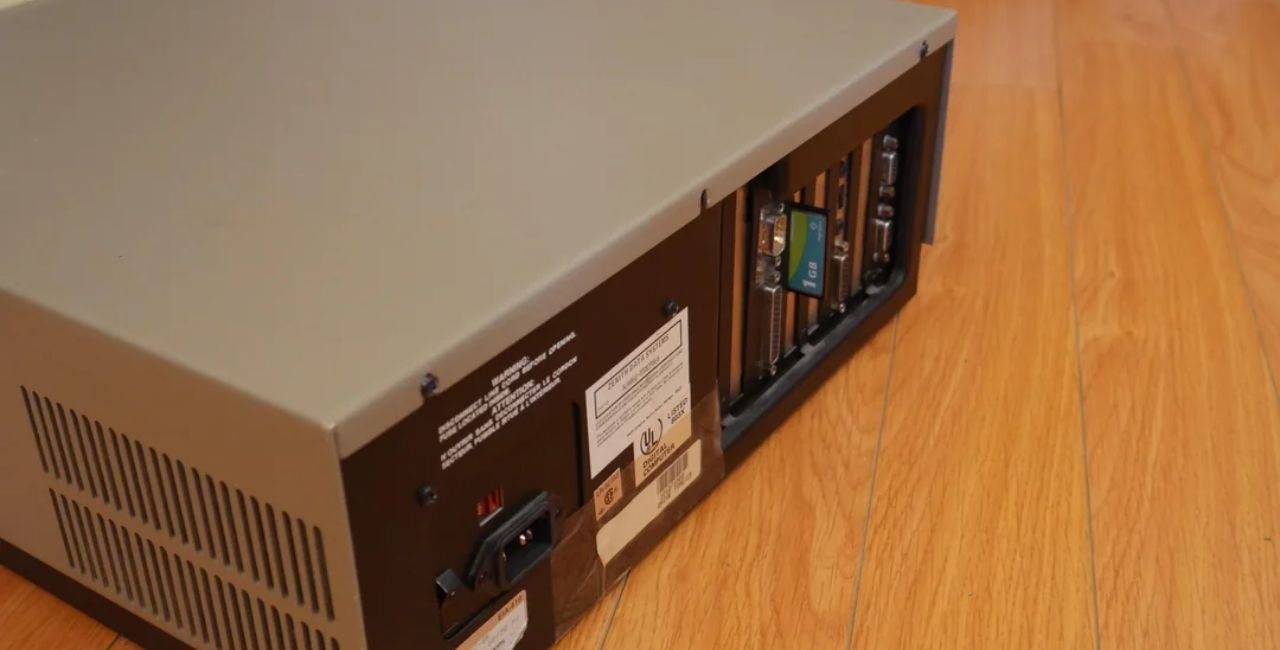
The mfm hard disk 20mb capacity stands as a cornerstone in the evolution of computer storage. Engineers designed these drives in the 1980s to meet the growing need for reliable data storage in personal computers. Users relied on them for everything from booting operating systems to storing early software applications. This article explores their background, technical details, and practical uses today.
The Origins of MFM Technology
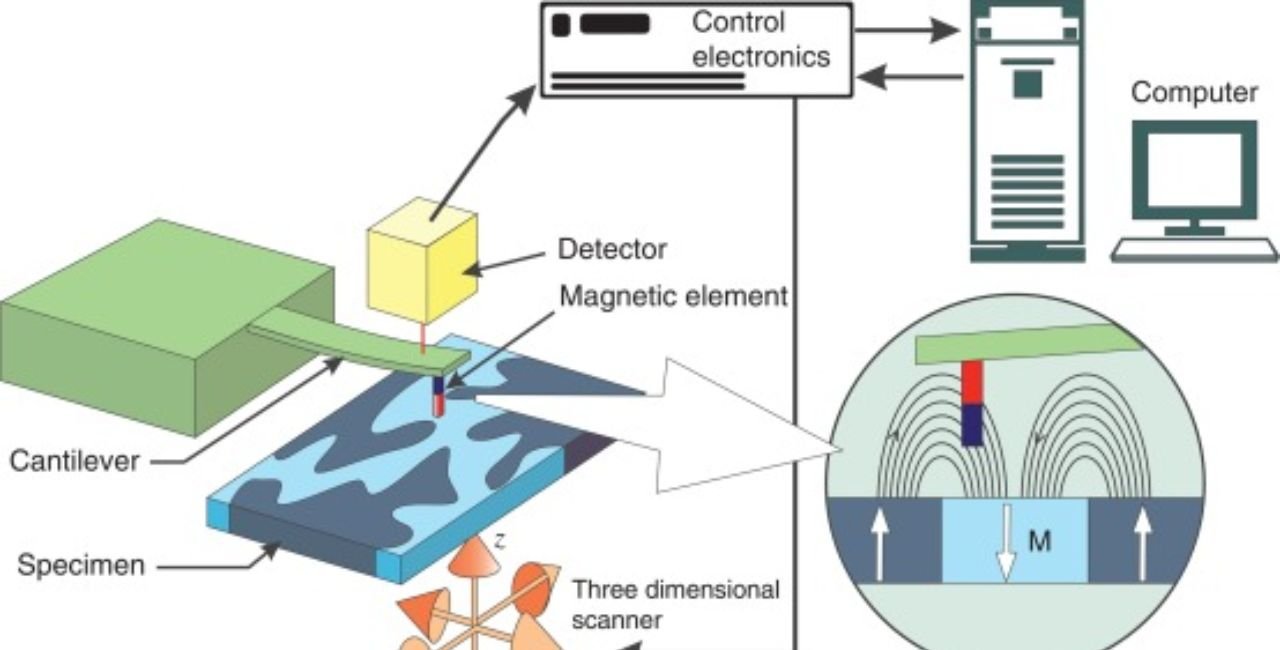
Developers introduced Modified Frequency Modulation (MFM) as an encoding method for hard disks in the late 1970s. It improved upon earlier Frequency Modulation (FM) by allowing denser data storage. MFM works by representing binary data through changes in magnetic flux on the disk platters. This technique doubled the storage efficiency compared to FM, making it ideal for early PCs.
IBM pioneered hard disk technology with the Winchester drive in 1973, but MFM became widespread with the ST-506 interface. Seagate Technology launched the ST-506 in 1980, a 5MB drive that set the standard. By the mid-1980s, capacities grew, and the mfm hard disk 20mb capacity emerged as a popular option for home and office users.
Manufacturers like Seagate, Miniscribe, and MicroScience produced these drives. They fit into 5.25-inch bays, often half-height to save space in compact PC cases. The drives spun at 3,600 RPM, with average seek times around 65 milliseconds. Data transfer rates hovered at 5 Mbit/s, which felt lightning-fast compared to floppy disks.
Key Specifications of 20MB MFM Drives
Experts define the mfm hard disk 20mb capacity by its geometry: cylinders, heads, and sectors per track. Common setups included 615 cylinders, 4 heads, and 17 sectors per track. This configuration yielded about 21MB unformatted, but after formatting, users got roughly 20MB of usable space.
- Interface: ST-506 or similar, requiring separate data and control cables.
- Encoding: MFM for reliable read/write operations.
- Power Requirements: 12V and 5V DC, drawing up to 15 watts during spin-up.
- Form Factor: 5.25-inch, with weights around 2-3 pounds.
- Reliability: MTBF (Mean Time Between Failures) rated at 20,000-30,000 hours.
Seagate’s ST-225 model exemplified this era. It offered 20MB formatted capacity and became the most common drive due to its durability. Miniscribe’s 3425, nicknamed “The Brick,” matched this spec but gained a reputation for occasional failures.
Controllers played a crucial role. Users paired drives with cards like the Western Digital WD1002 or OMTI 5520. These ISA-slot controllers handled low-level formatting and geometry settings via jumpers or BIOS utilities.
How MFM Drives Revolutionized Computing
In the 1980s, PCs transitioned from tape and floppy storage to hard disks. The mfm hard disk 20mb capacity allowed users to install full operating systems like MS-DOS 3.3 without constant disk swapping. Programmers stored code, databases held records, and games loaded faster.
Businesses adopted these drives for word processing and spreadsheets. A 20MB drive could hold thousands of documents, transforming productivity. Home users experimented with bulletin board systems (BBS), using the space for file sharing.
Statistics from the era highlight growth: In 1985, global HDD shipments reached 5 million units, many MFM-based. By 1987, average capacities hit 20-40MB, with prices dropping from $1,000 to $500 per drive.
Configuring an MFM Hard Disk 20MB Capacity
Setting up an mfm hard disk 20mb capacity requires careful steps. Follow this guide to avoid common pitfalls.
- Gather Hardware: Obtain a compatible controller, cables, and power supply. Ensure your PC has an ISA slot.
- Set Jumpers: Configure the drive and controller jumpers for geometry (e.g., 615/4/17).
- Install the Drive: Mount it in the bay and connect cables securely.
- Low-Level Format: Boot to a floppy with DEBUG.COM. Enter “G=C800:5” (adjust address as needed) to access the controller BIOS. Perform LLF, adding any defect maps from the drive label.
- Partition and Format: Use FDISK to create partitions, then FORMAT C: /S to make it bootable.
- Install OS: Copy system files and reboot.
Troubleshoot boot issues by checking BIOS settings or using FDISK /MBR. If the drive makes grinding noises, stop immediately to prevent damage.
For modern setups, enthusiasts use XT-IDE controllers for easier integration with vintage PCs.
Common Models and Their Achievements
The Seagate ST-225 dominated the market. Released in 1985, it powered millions of IBM XT clones. Its voice-coil actuator improved seek times, earning praise for reliability. Users reported drives lasting 20+ years.
Miniscribe 3425 offered similar specs but at lower costs. Despite some reliability concerns, it found use in budget systems. MicroScience HH-725 provided a compact alternative, fitting smaller cases.
These models achieved milestones: They enabled the first widespread use of graphical interfaces like Windows 1.0, which required substantial storage.
Data Recovery from Vintage MFM Drives
Recovering data from an mfm hard disk 20mb capacity poses challenges but yields rewards. Age causes issues like stuck heads or degraded platters.
- Basic Checks: Power on in a compatible system. Listen for spin-up; if silent, check power connections.
- Tools Needed: MFM controller, DOS boot disk, software like SpinRite for testing.
- Steps for Recovery:
- Connect to a working vintage PC.
- Boot and run SCANDISK to fix errors.
- Copy files to modern storage via serial transfer or floppy.
- Advanced Methods: Use emulators like PCE/ibmpc or professional services for cleanroom extraction.
Success stories abound. One user recovered 1980s documents from a 20MB drive after 30 years, preserving family history.
Challenges and Maintenance Tips
MFM drives face obsolescence. Capacitors fail, lubricants dry out, and controllers become rare.
Maintain them by:
- Parking heads before shutdown (use PARK.COM).
- Storing in anti-static bags at room temperature.
- Avoiding shocks to prevent head crashes.
If a drive fails, diagnose with multimeters for power issues or oscilloscopes for signal problems.
Modern Relevance and Collecting
Today, collectors prize the mfm hard disk 20mb capacity for retro gaming and computing museums. Sites like Vogons forum discuss configurations, sharing tips on revival.
Enthusiasts build XT clones, loading classics like Doom or Prince of Persia. The drives evoke nostalgia, reminding us of computing’s roots.
For resources, visit Laaster UK for vintage parts.
Integrating MFM Drives with New Tech
Bridge old and new by using adapters. Kryoflux devices read MFM data to USB, preserving files digitally.
In education, these drives teach storage principles. Students learn about magnetic recording, contrasting with SSDs.
Statistics show a resurgence: eBay sales of vintage HDDs rose 15% in 2025, driven by retro trends.
Case Studies: Real-World Examples
One Reddit user detailed reading data from a Micropolis 1335, a similar MFM drive. They used WD1002 controllers, adjusting geometry for access. Challenges included noisy operation, but success came via careful BIOS tweaks. See the full discussion on Reddit vintage computing.
Another eBay listing for a MicroScience 20MB drive highlights collectible value. Priced at $50-100, it appeals to hobbyists restoring 1980s PCs. Check the eBay item for specs.
The Evolution Beyond MFM
MFM gave way to RLL (Run Length Limited) encoding, boosting capacity by 50%. Then IDE and SCSI emerged in the late 1980s, offering plug-and-play ease.
By 1990, 100MB drives became standard, eclipsing 20MB models. Yet MFM’s legacy endures in emulation software and virtual machines.
Environmental Impact and Sustainability
Early drives used energy inefficiently, but their longevity reduces e-waste. Recycle failed units responsibly, extracting rare earth metals.
Modern SSDs consume less power, but MFM teaches sustainable design through repairability.
Expert Tips for Enthusiasts
- Backup Regularly: Use floppy images or network transfers.
- Test Annually: Spin up drives to lubricate bearings.
- Join Communities: Forums provide jumper diagrams and ROM dumps.
- Avoid Overclocking: Stick to stock speeds for stability.
Quotes from experts: “MFM drives paired perfectly with controllers, creating a symbiotic system,” notes a vintage computing engineer.
FAQs About MFM Hard Disk 20MB Capacity
What is an MFM hard disk 20MB capacity?
It refers to early hard drives using Modified Frequency Modulation encoding with about 20MB storage.
How do I format an MFM hard disk 20MB capacity?
Use low-level formatting via the controller BIOS, then FDISK and FORMAT in DOS.
Are MFM hard disk 20MB capacity drives still usable?
Yes, with vintage hardware or adapters for data access.
What common issues affect MFM hard disk 20MB capacity?
Head crashes, controller incompatibility, and age-related failures.
Where can I buy an MFM hard disk 20MB capacity?
Check online marketplaces or retro computing sites.
Conclusion: Embracing the Legacy of MFM Hard Disk 20MB Capacity
The mfm hard disk 20mb capacity shaped personal computing, offering reliable storage in an era of rapid innovation. From Seagate’s durable models to Miniscribe’s budget options, these drives powered the digital revolution. Today, they serve as educational tools and collectibles, bridging past and present.
In summary, understand their specs, configure carefully, and maintain them to enjoy vintage tech. What memories do you have of your first hard drive?
References
- Vogons Forum Thread: Detailed discussions on configuring MFM drives, including 20MB models. Ideal for retro enthusiasts seeking technical advice.
- Reddit Vintage Computing Post: User experiences with data recovery from MFM hard disks, helpful for troubleshooting noisy or faulty drives.
- eBay Listing: Product details on a 20MB MFM drive, useful for collectors understanding market value and specs.
- Wikipedia History of Hard Disk Drives: Broad historical context on capacity growth from 20MB to modern terabytes.
- OS/2 Museum Article: In-depth review of Seagate ST-225, targeting audiences interested in 1980s PC hardware.
- DOS Days Hard Disks Page: Timeline of capacities and types, for readers exploring vintage storage evolution.